Electric Skillet 6-Quart Hot Pot Nonstick - PFOA-Free Ceramic Coating Pot, 1600W, Timer & 3 Power Settings for Steak, Egg, Ramen
$39.50
Dangbei MP1 MAX Triple Laser Projector 4K - 3100 ISO Lumens, 110% BT.2020, Google TV with Netflix Officially, 300'' Display, 2x12W Dolby Audio DTS:X, HDR10+, Blu-ray 3D
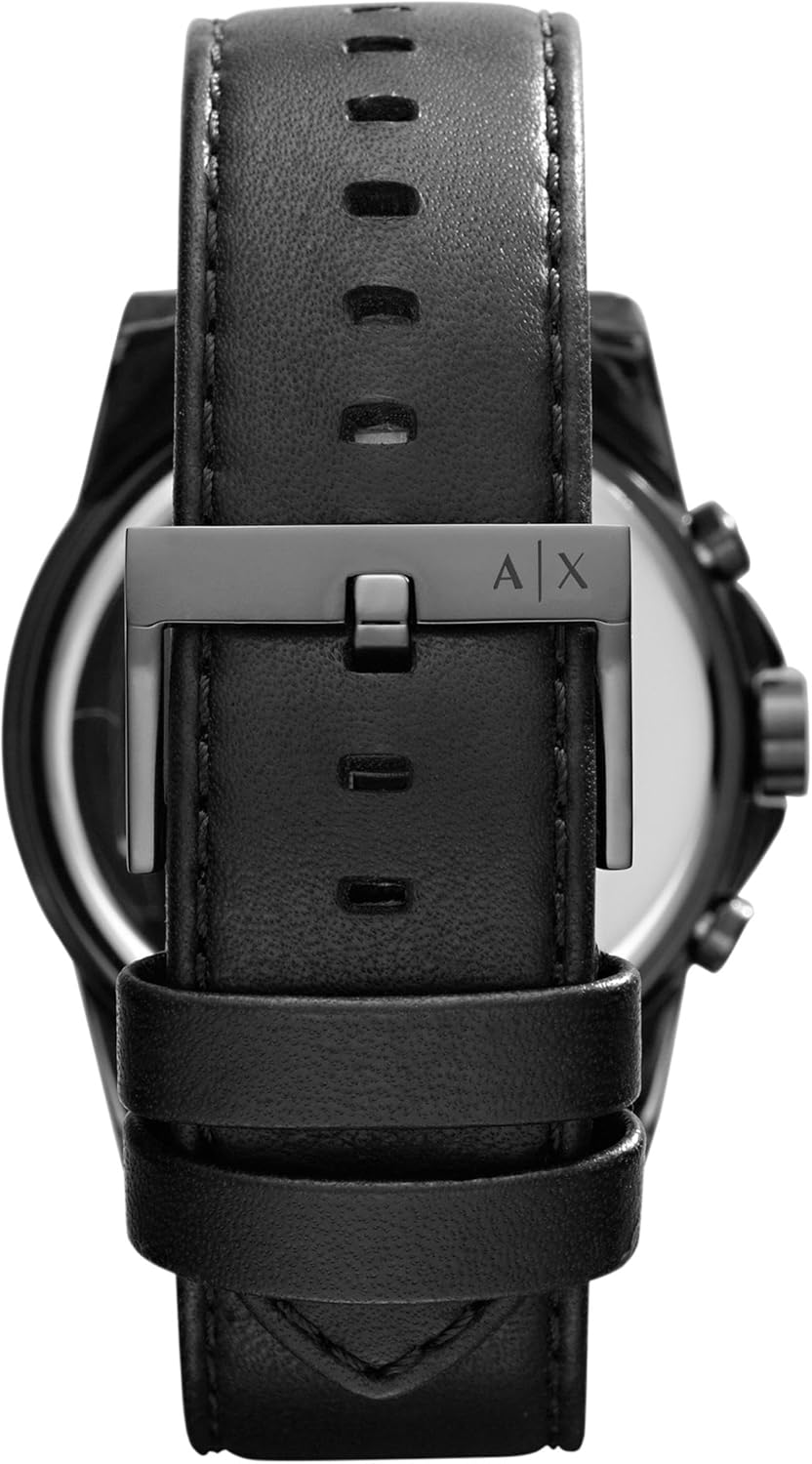
Armani Exchange AX Chronograph Watch for Men with Leather, Stainless Steel or Silicone Band
$64.50
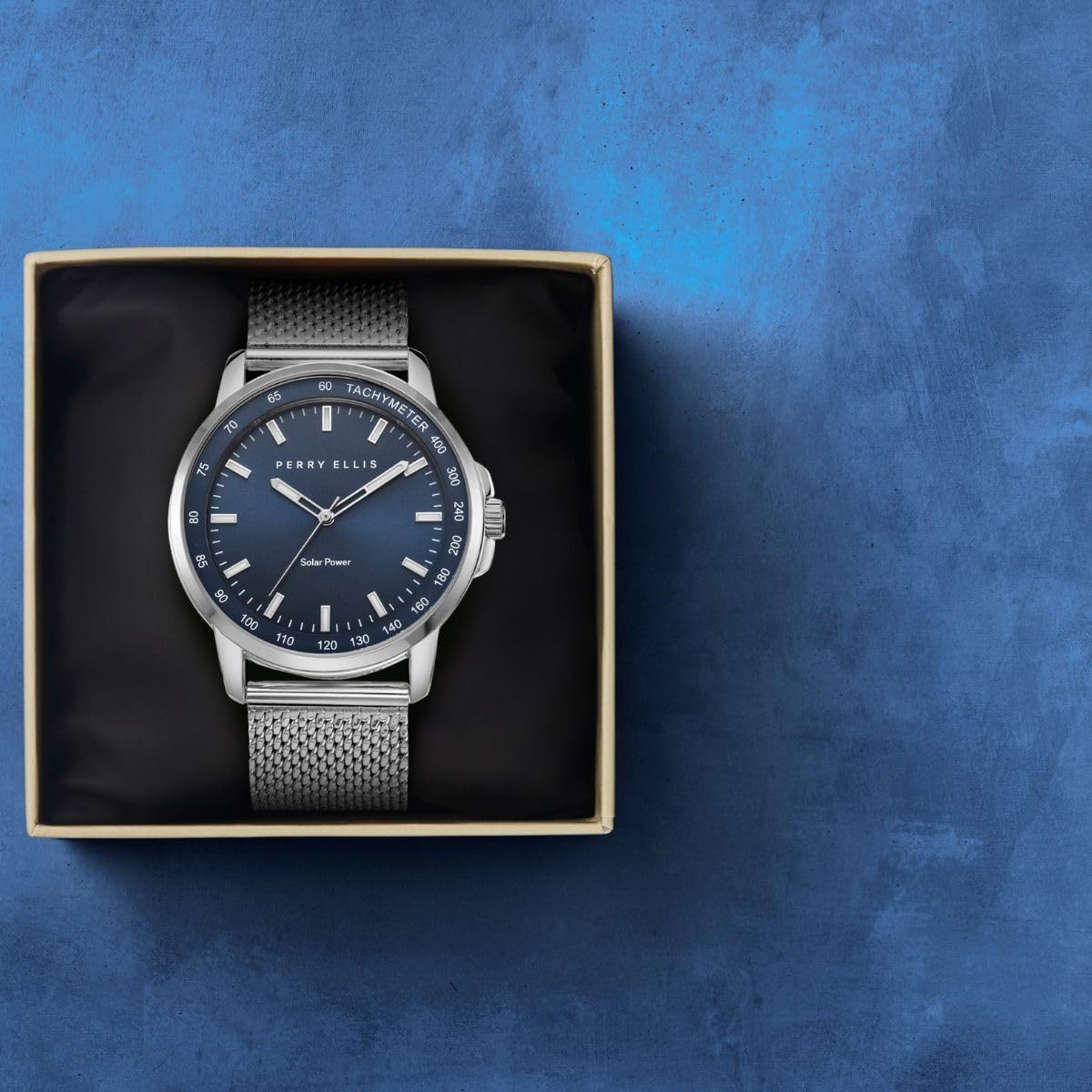
Perry Ellis Solar Powered Mens Watch | Steel Mesh Band | Water-Resistant Analog Wrist Watches for Men | 43mm Case | Aluminum Tachymeter Bezel | Elegant Gift for Man
$39.50
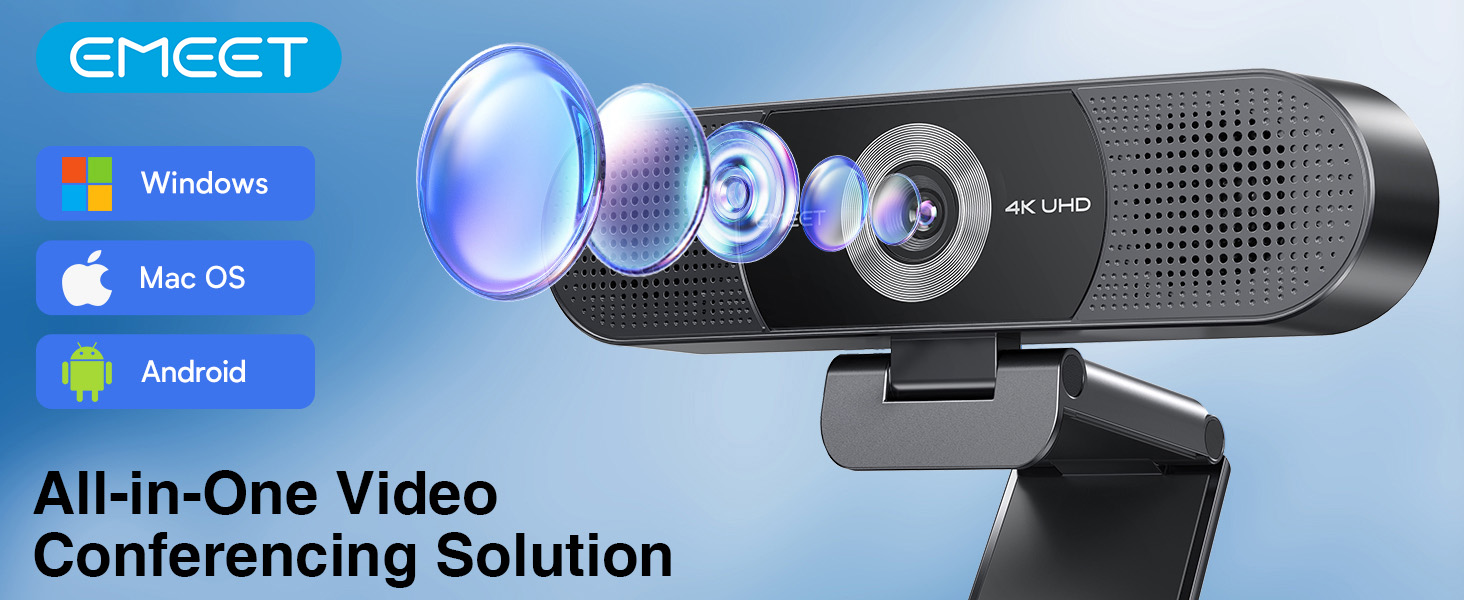
EMEET C980 PRO 3-in-1 4K Webcam with Microphone and Speaker, 60°-98° Wide Angle Webcam w/ 4 Noise Cancel Mics, 2 Speakers, Fixed Focus, Magnetic Privacy Cover, Great for Group and ...
The video showcases the product in use.The video guides you through product setup.The video compares multiple products.The video shows the product being unpacked.
Video Player is loading.
Current Time 0:00
/
Duration 0:43
Loaded: 6.98%
0:00
Stream Type LIVE
Remaining Time -0:43
1x
Chapters
descriptions off, selected
Captions off, selected
English (Automated)
default, selected
This is a modal window.
EMEET 3-in-1 4K Webcam with Microphone and Speaker
Please make sure to connect the webcam directly to your computer’s USB port. Using USB hubs or docking stations may cause instability or disconnection.
Does this C980 Pro 4K webcam work with all operating systems?
The C980 Pro 4K webcam is compatible with Windows 10/11 (64-bit) and macOS 10.14+. It is not supported on Linux, tablets, TVs, ARM Windows devices, or game consoles.
The webcam flickers or turns off after connecting. What should I do?
This may happen if the USB port does not supply stable power. Please connect directly to a USB port on your computer and avoid using hubs or extension docks.
The webcam does not work with my work laptop setup. Any suggestions?
Please try connecting it directly to the laptop’s USB port and check system settings or updates according to the user guide for further troubleshooting.
Why does my C980 4K webcam sometimes turn off or fail to be recognized by my computer?
Please connect the webcam directly to your computer’s USB port (5V/500mA). Using hubs or low-power ports may cause instability. Supports Windows 10/11 (64-bit) and macOS 10.14+. If issues persist, assistance will be provided through Amazon.